
By AviLab
SUPKA — Paddling Companion for Apple Watch & iPhone
Record the session. Keep the route. Share a pin if you choose.
A paddling companion for SUP, kayak and open water. Track distance, pace and GPS routes on iPhone and Apple Watch, with Apple Health support.
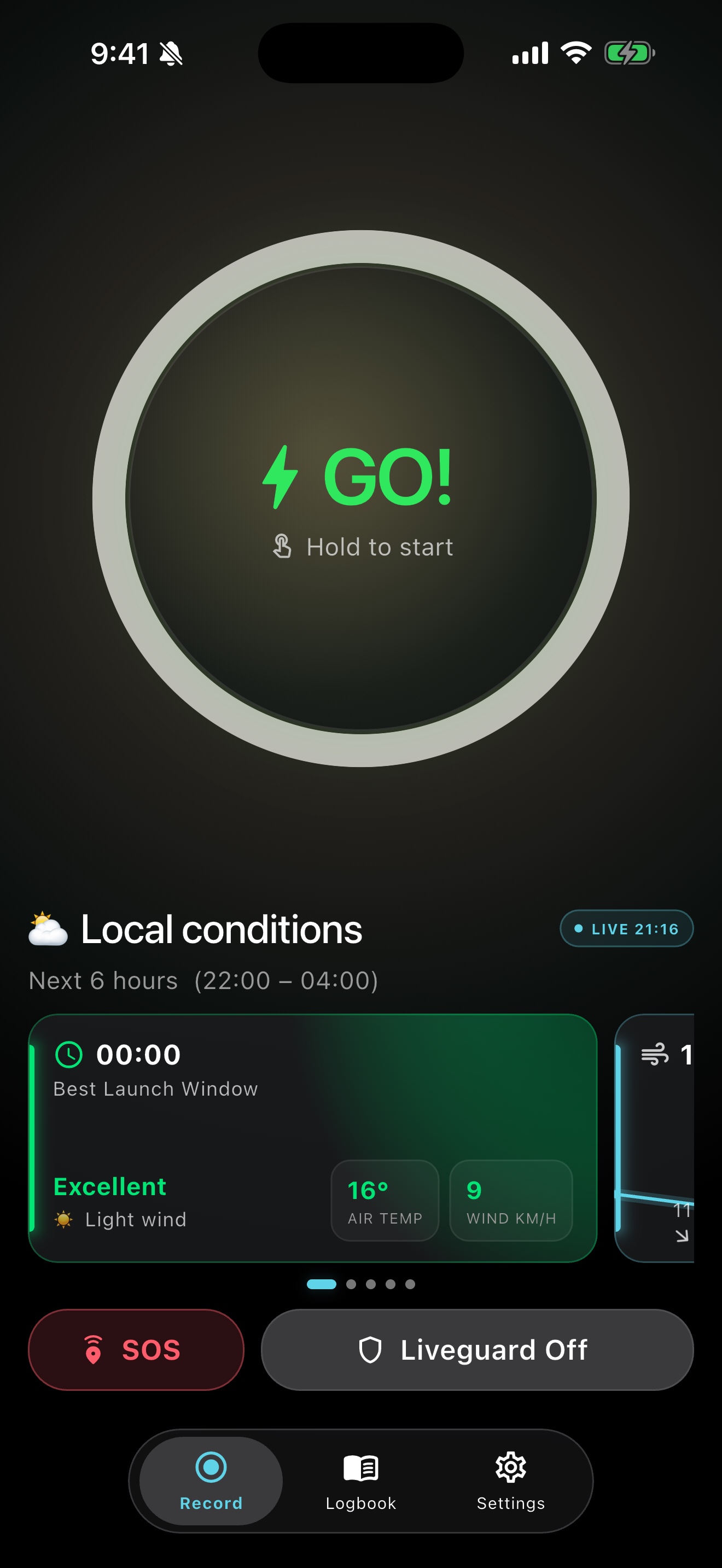
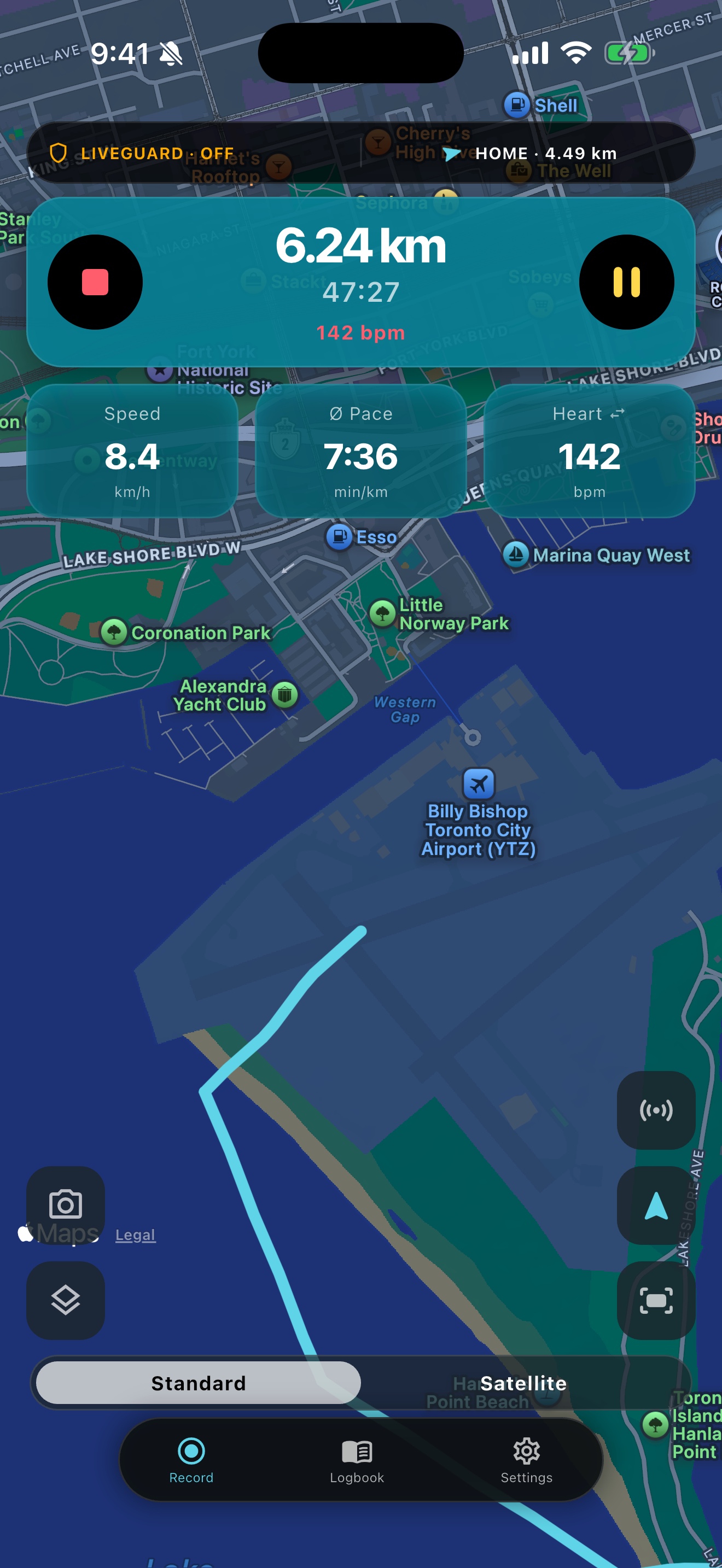
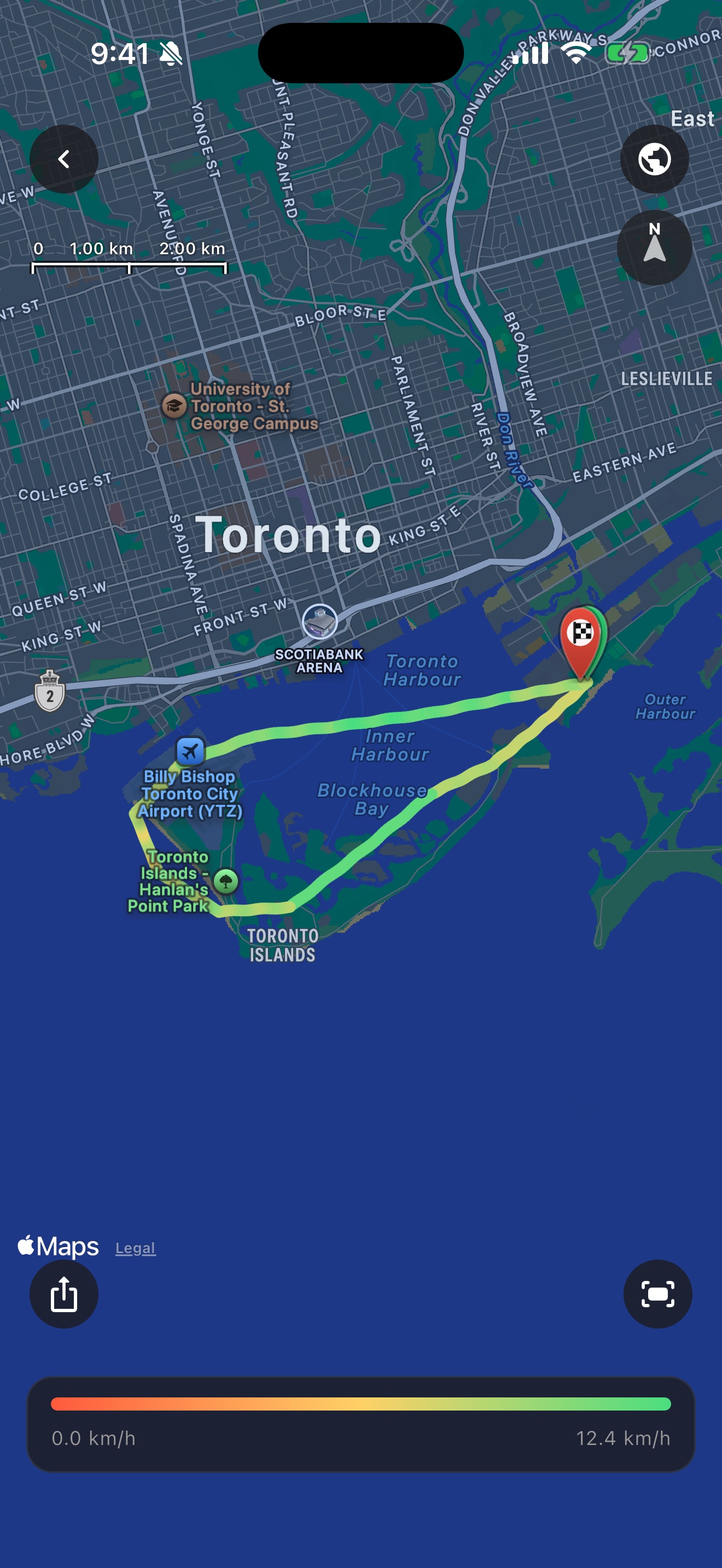
Record every paddling session
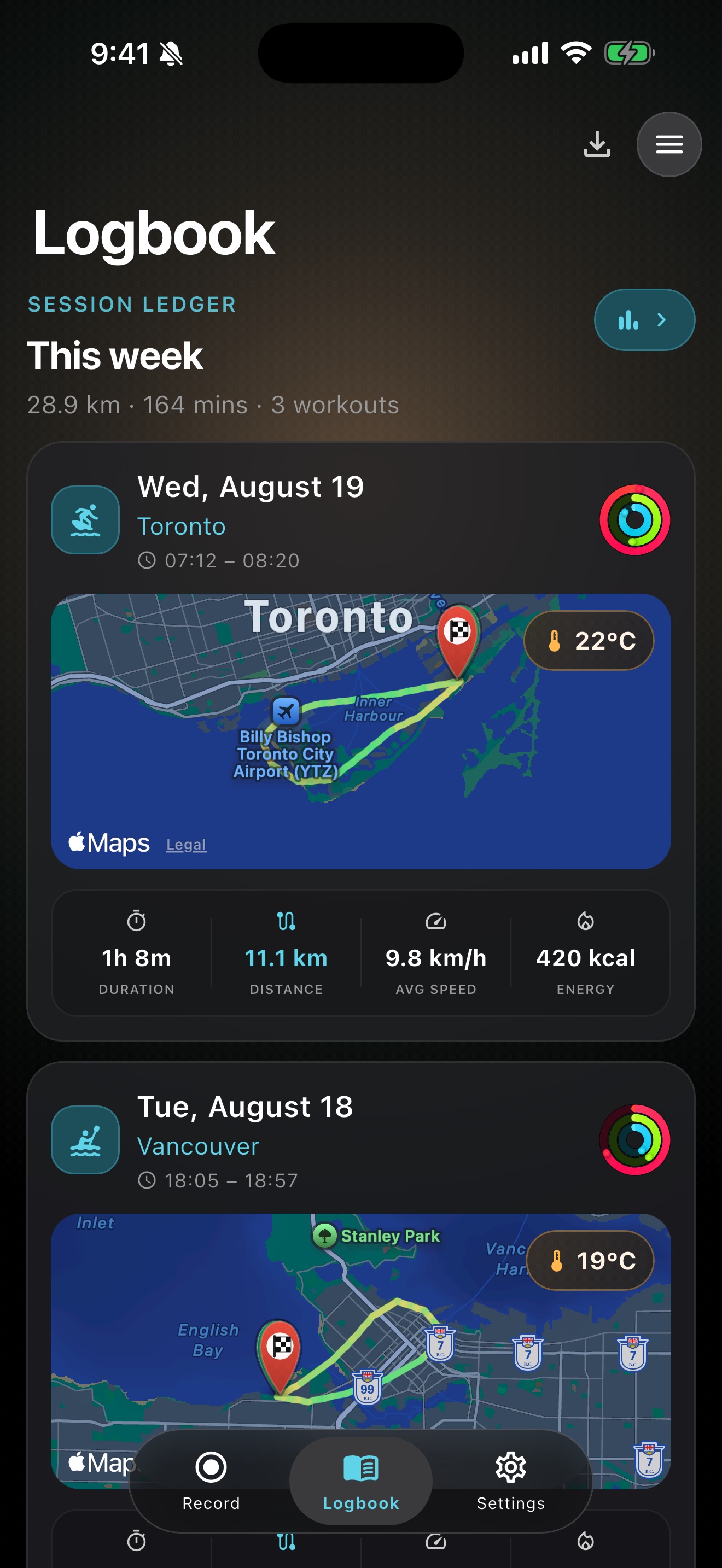
Start a SUP or kayak workout on iPhone and keep distance, duration, pace and the GPS route in one logbook — not scattered across Photos and Notes.
GPS routes & maps
See the live track while you paddle, then review the full route after. Maps stay with the session so you can look back at where you went.
Apple Health
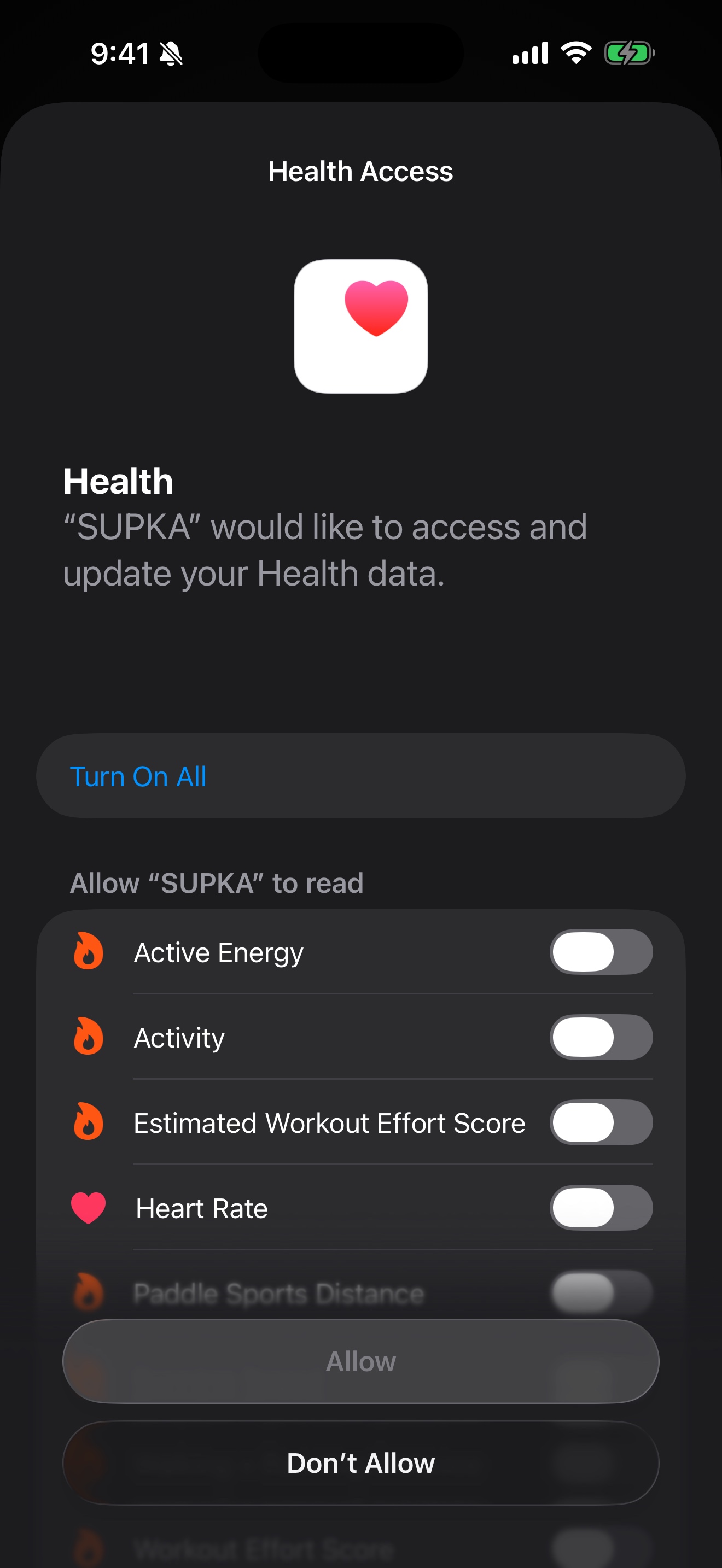
With your permission, SUPKA writes workout data to Apple Health so sessions can appear in Health and Activity rings. You can revoke access anytime in iOS Settings.
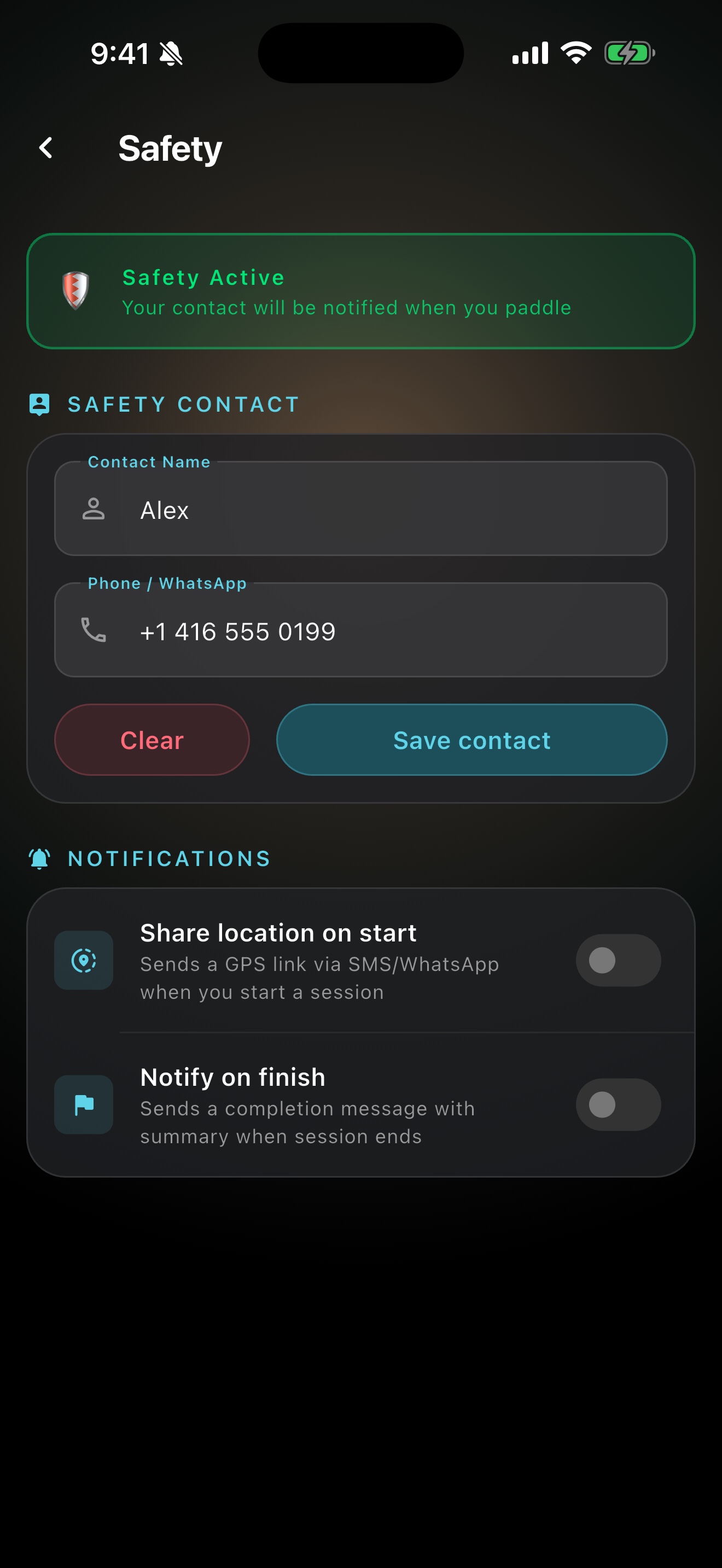
Liveguard & SOS share
Optional safety tools open Messages or the system share sheet with a Maps pin to a contact you typed yourself. They do not call 911 or stream live location to AviLab servers.
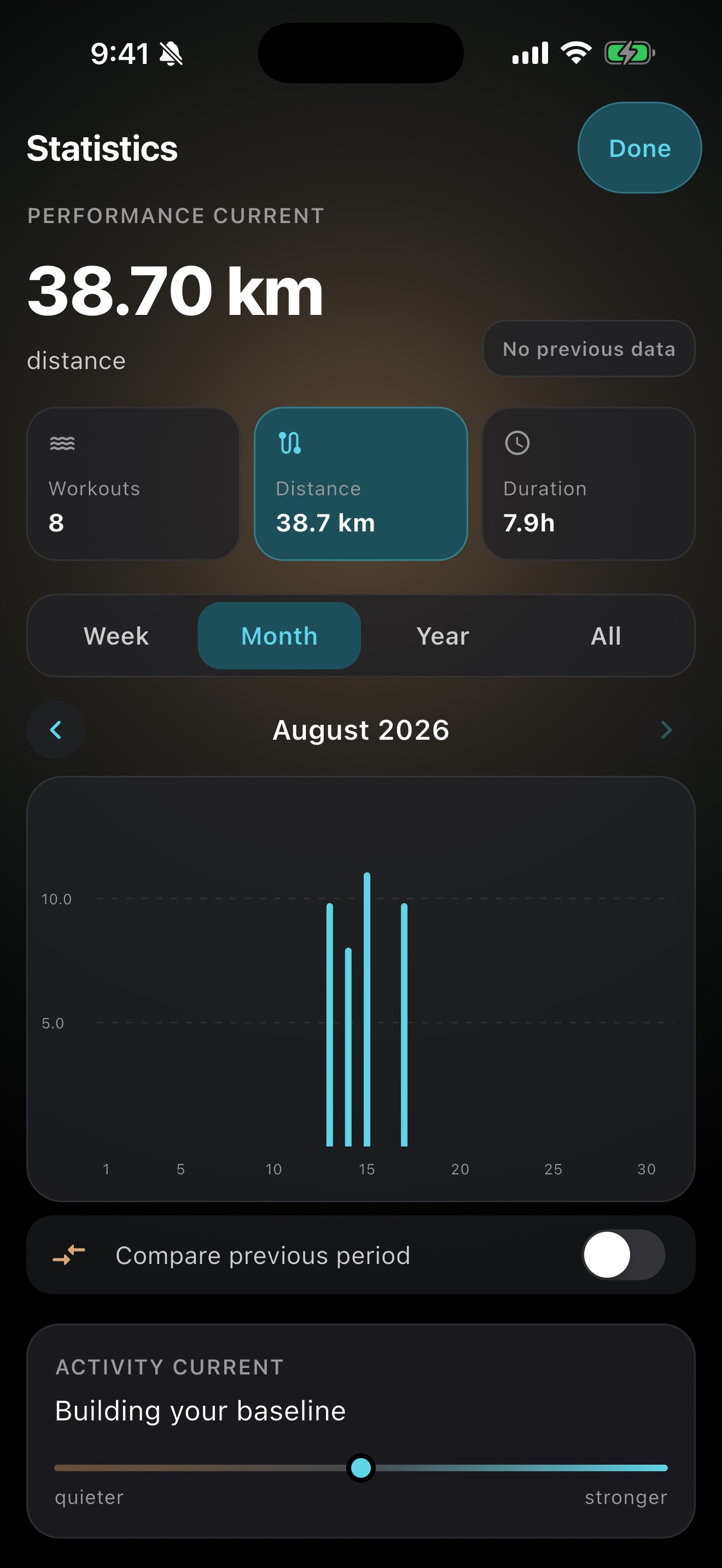
Logbook & stats
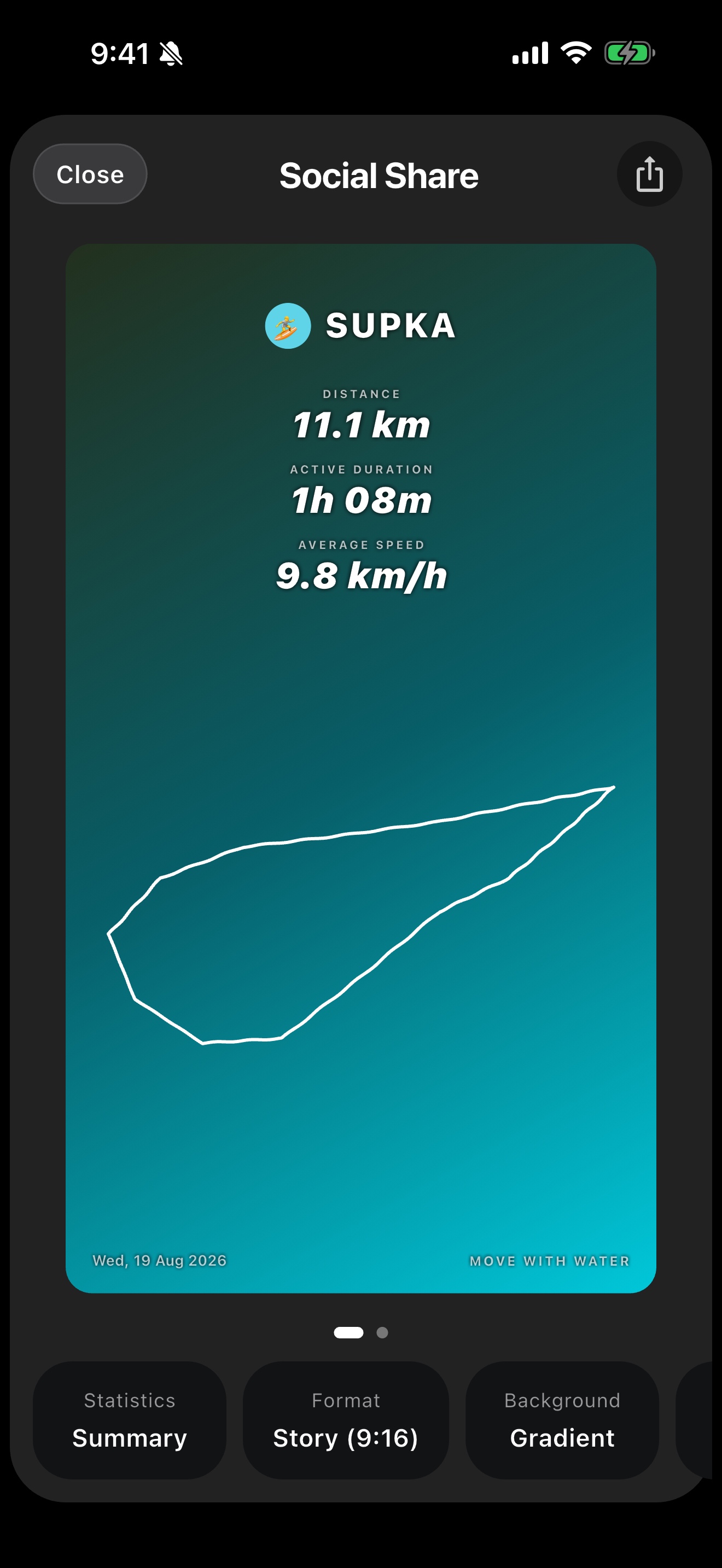
The logbook and the session map are free. Statistics and the share card stay open for 14 days, then they are Lifetime.
Session history stays free. Charts and the share card are part of Lifetime.
Free and Lifetime
Recording, Live Activity, the logbook and the session map, photos on the phone, Liveguard, Apple Watch, weather and wind, GPX/FIT import and export, settings and heart-rate zones, and a copy to iCloud or Drive stay free.
Lifetime unlocks route replay, share cards, statistics, the route planner, and water temperature.
Apple Watch
The Watch app records the workout with you: heart rate, paddle cadence, live metrics and a compass display, synced to the paired iPhone over WatchConnectivity.
Privacy
The session stays on this phone. A copy goes only to that person’s iCloud or Google Drive, into their quota. There are no ads.
Studio privacy: AviLab Privacy Policy. Product page: supka-legal/privacy.html.
Download
SUPKA is available on the App Store for iPhone and Apple Watch.

Frequently asked questions
What is SUPKA?
SUPKA is a paddling companion for Apple Watch and iPhone. It helps you record SUP and kayak sessions, keep GPS routes, and review distance and pace.
Does SUPKA work with Apple Health?
Yes. With your permission, SUPKA can read and write workout-related HealthKit data so sessions appear in Health and Activity rings.
Does SUPKA support Apple Watch?
Yes. The Apple Watch companion is available with the current App Store release and works with the paired iPhone.
Does Liveguard call emergency services?
No. Liveguard and SOS only open Messages or a share sheet so you can send a pin to a contact you typed. They do not call 911.
Which platforms are supported?
SUPKA is available for iPhone and Apple Watch on the App Store.
How much does it cost?
A one-time purchase. In the United States that is $0.99. In another country it is the App Store price for that Apple ID.
What happens after 14 days?
Recording, the logbook, Watch, Liveguard, weather, and the copy stay. Lifetime is needed for route replay, statistics, sharing, the planner, and water temperature.
Where does the route go?
It stays on the phone. A copy goes only to that person’s iCloud or Google Drive.
I already have Monthly or Yearly.
It stays in force while Apple shows it as active. New people are sold Lifetime.